Desktop app · macOS & Windows · Free
All your assets,
in folders you can read.
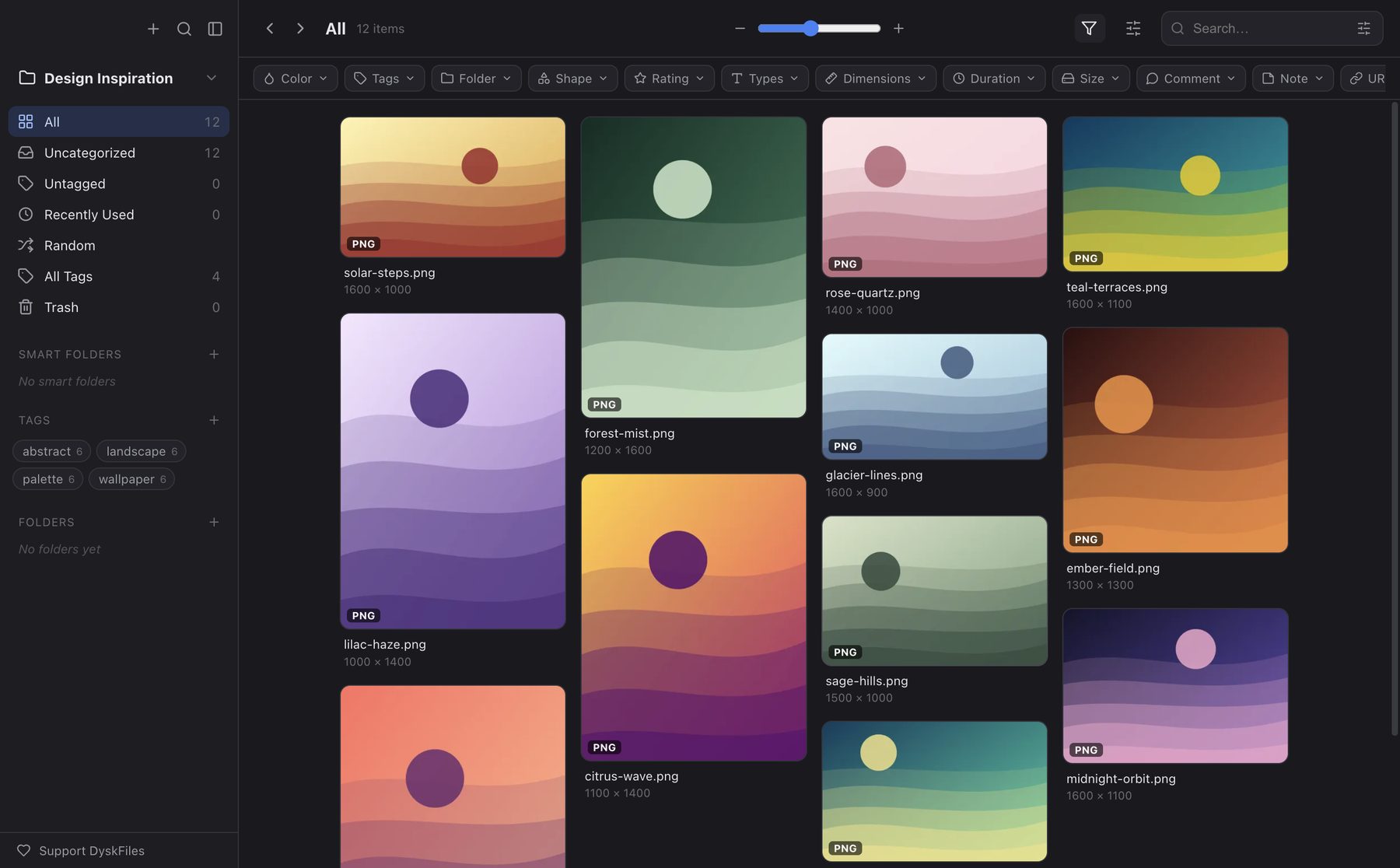
DyskFiles organizes collections of images, videos, audio, and text. Each item is stored as the original file, a thumbnail, and JSON in plain folders you can open in Finder or Explorer. No database, no randomly named folders.
01 / Gallery
Made for people who collect a lot of things.
02 / No database
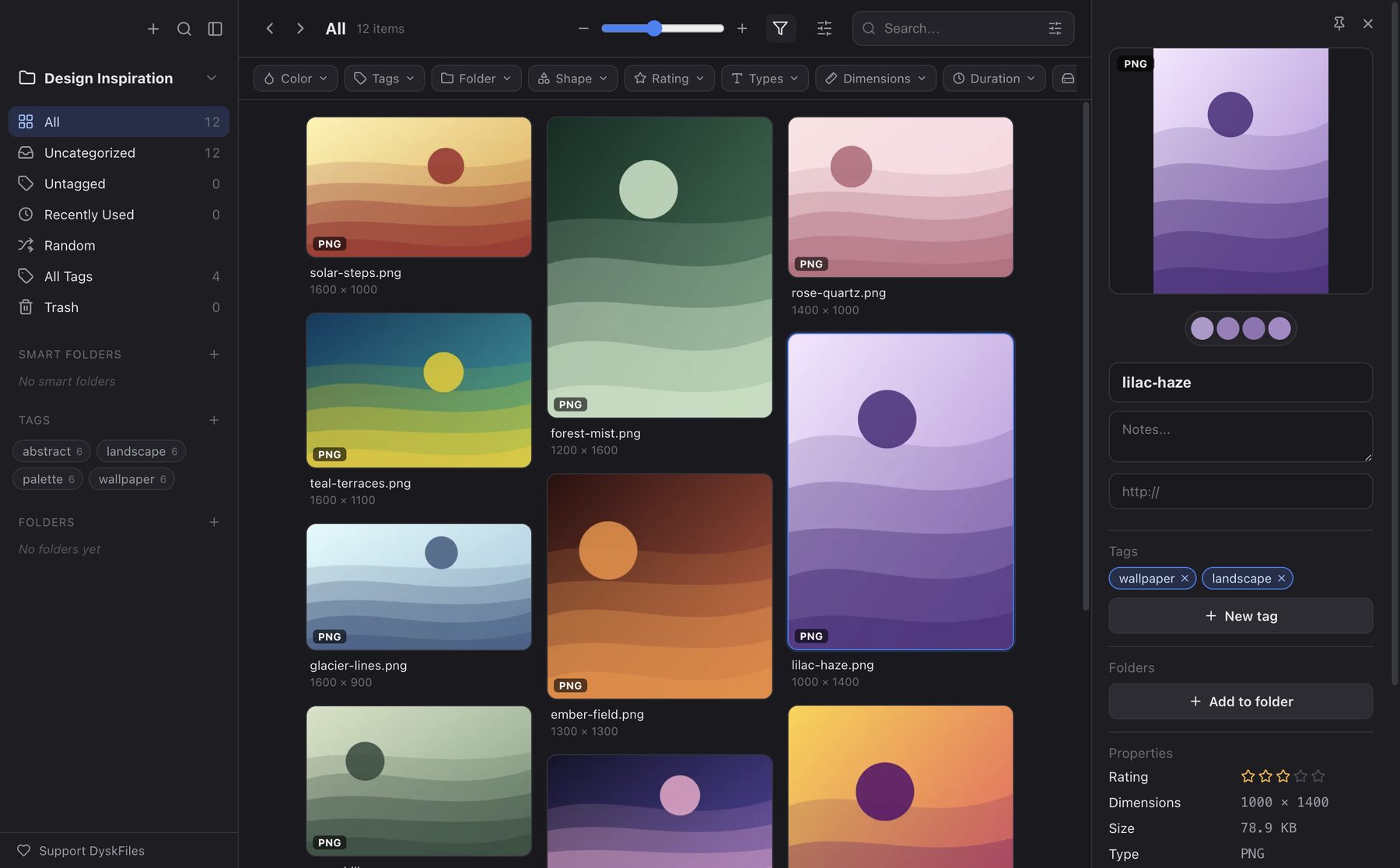
The folders on disk are the index.
Eagle stores items in randomly named folders. DyskFiles groups each item into a folder named after the first three letters of its file name, and keeps the original, a WebP thumbnail, and JSON metadata side by side.
- Still readable even without the app.
- Easy to back up, sync, and move.
- Export any view to a new folder, with a
metadata.csv.
MyLibrary.dyskfiles/
├── library.json        # name, version, item count
├── tags.json           # tag list
├── filters.json        # smart folders
├── folders.json        # folders
├── pre/                # names starting with "pre"
│   ├── preview-l9x2ka.json
│   ├── preview-l9x2ka.png  # the original
│   └── preview-l9x2ka.webp # thumbnail
└── mov/
    ├── movie-k1p8.json
    ├── movie-k1p8.mov
    └── movie-k1p8.webp
03 / Features
Everything you expect from a modern media library.
- 01
Multiple libraries
Keep several .dyskfiles libraries and switch between them from the sidebar. The last one reopens on launch.
- 02
Linked imports
Reference files where they are, without copying. The library holds only metadata and a thumbnail.
- 03
Import from Eagle
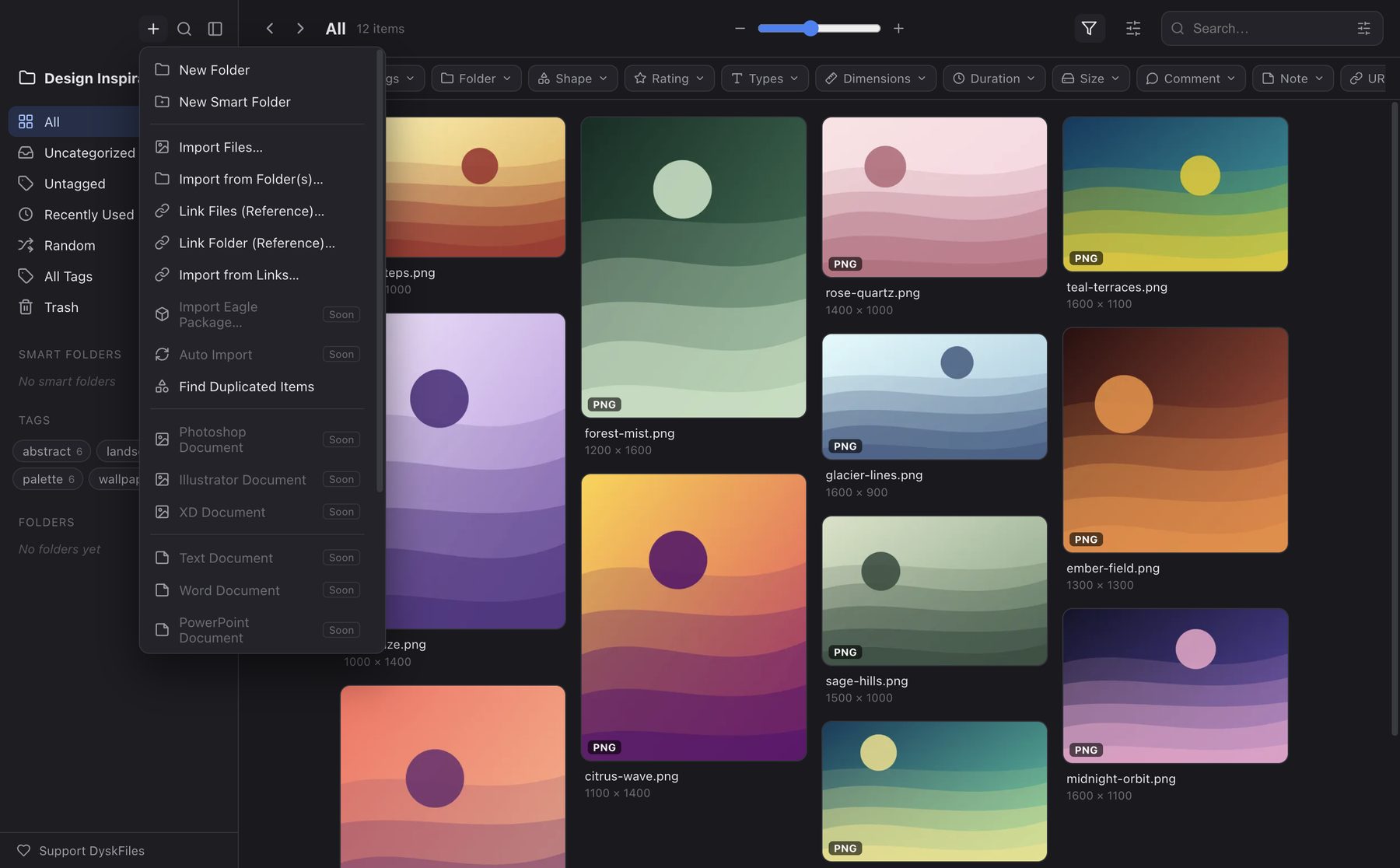
Bring in a .library folder with its tags, folders, ratings, notes, and URLs. Eagle is only read.
- 04
Auto Import
Watch folders and copy in every new file, including ones that land while the app is closed.
- 05
Every kind of media
Images, video, audio, text and code in CodeMirror, PDF, and even TTF, OTF, and WOFF fonts.
- 06
Folders, tags, smart folders
One item can live in many folders. Smart folders save the filters you use most.
- 07
Detailed filters
Type, color, shape, rating, dimensions, duration, size, dates, notes, and URL.
- 08
Find duplicates
Spot identical files by their content hash, not just their name.
- 09
Check Library
Repairs missing thumbnails and stray files. Nothing is deleted: everything goes to lost-found/.
Secure by design. The Electron renderer is fully isolated, and media is served through an asset:// protocol with HTTP Range support, without turning off webSecurity.
04 / Download
Free. Open source. Yours.
Mac: open the DMG and drag DyskFiles into Applications. The app isn't notarized yet, so allow the first launch in System Settings › Privacy & Security › Open Anyway.
Windows: run the installer. It isn't code-signed yet, so if SmartScreen appears, choose More info › Run anyway.
$ git clone https://github.com/DyskLab/dyskfiles.git
$ cd dyskfiles
$ npm install
$ npm run dev
Privacy
Your library stays on your computer, in plain folders.
- Everything stays local
A
.dyskfileslibrary is created in a folder you choose: originals, thumbnails, and JSON. There is no DyskLab server and no cloud. - No account, no telemetry
Nothing to sign up for or log into. The app's code has no analytics, trackers, or crash reporting.
- Settings are local too
Your library list and view preferences are saved in
rak-config.jsonin the app's data folder on your computer. - A locked-down interface
The renderer runs sandboxed with context isolation, and its CSP doesn't allow loading anything from the internet. Media is read through the app's own
asset://protocol. - Update check with GitHub
Once a day at launch, DyskFiles asks
api.github.comfor the latest release. No library data is sent, but GitHub sees your IP address. A new installer is only downloaded when you choose to. Turn the daily check off in the Check for Updates dialog. - Importing from a URL
When you import from a URL, the app downloads that file directly from its server, which sees the request. Apart from this and the update check, the app doesn't go online.
The source is open, so you can check all of this yourself on GitHub (new tab).
FAQ
Does DyskFiles run on Windows or Linux?
Windows, yes: since 1.0 there is an installer for 64-bit Windows. It isn't code-signed yet, so if SmartScreen warns you, choose More info › Run anyway. There is no Linux version yet.
What about Intel Macs?
There's no Intel DMG yet. You can run it from source: install Node.js, then git clone, npm install, and npm run dev (see Download).
macOS won't open the app. What do I do?
DyskFiles isn't notarized by Apple yet, so macOS blocks the first launch. Open System Settings › Privacy & Security and choose Open Anyway, or run:
xattr -dr com.apple.quarantine /Applications/DyskFiles.app
Is DyskFiles free?
Yes. DyskFiles is free and open source under the MIT license. No account, no ads, no paid tier.
Where is my library stored, and how do I back it up?
In the folder you chose when you created the library, named <name>.dyskfiles. You can reveal it in Finder or Explorer from the sidebar. It's all plain files, so backing it up is just copying that folder.
For linked imports the originals aren't inside the library, so back up their folders too.
Can I move over from Eagle?
Yes. Choose Import Eagle Library… in the add menu and point it at your .library folder. Tags, folders, ratings, notes, and URLs come along. The Eagle library is only read, and running the import again skips what was already imported.
How do I update the app?
DyskFiles checks GitHub for a new release once a day, or from DyskFiles › Check for Updates…. When one is out, it downloads and opens the installer: on a Mac, quit the app and drag the new version onto Applications; on Windows, quit the app and finish the setup.
I found a bug. Where do I report it?
Open an issue on GitHub (new tab) with your operating system (macOS or Windows) and DyskFiles version. For problems with a library's contents, try Check Library first.
DyskFiles is free and open source.
No ads, no accounts, no paid tier. If it helps you, these two things help a lot:
Helps other people find the project
Pays for the time behind the next features and fixes
Buy me a coffee (new tab)