Quick add in plain language
Type one sentence. Priority, tags and dates are picked up for you.
Pay rent !high #home tomorrowPriority · HighTag · homeDue · Tomorrow
FreeWeb · PWA · macOS
An OmniFocus-style task manager that is entirely yours. Inbox, projects, tags, perspectives, review and forecast, on your own server or on a Mac with no server at all.
Today, Inbox, Forecast, Calendar, plus Flagged and Completed. All of them timezone-aware.
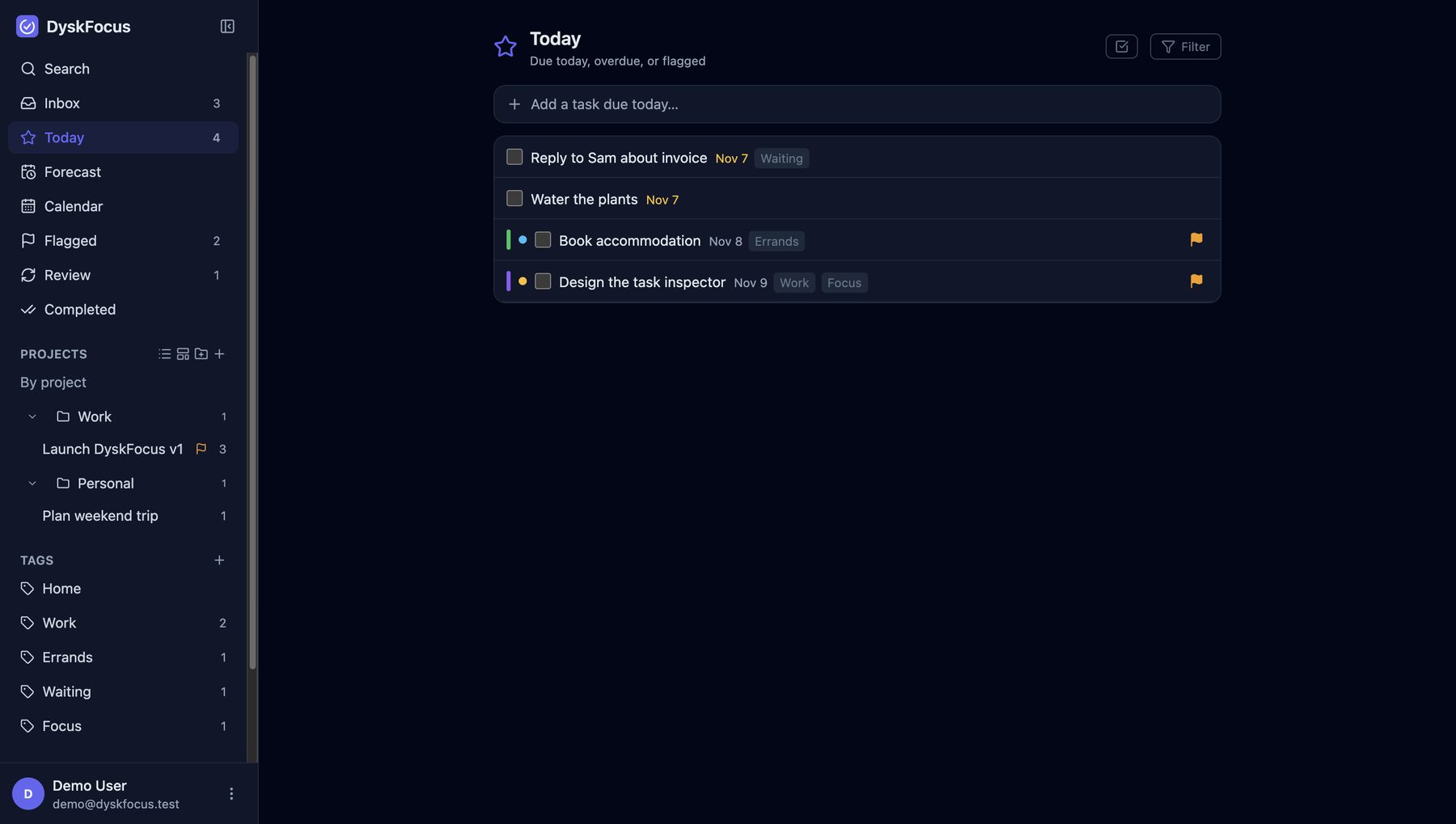
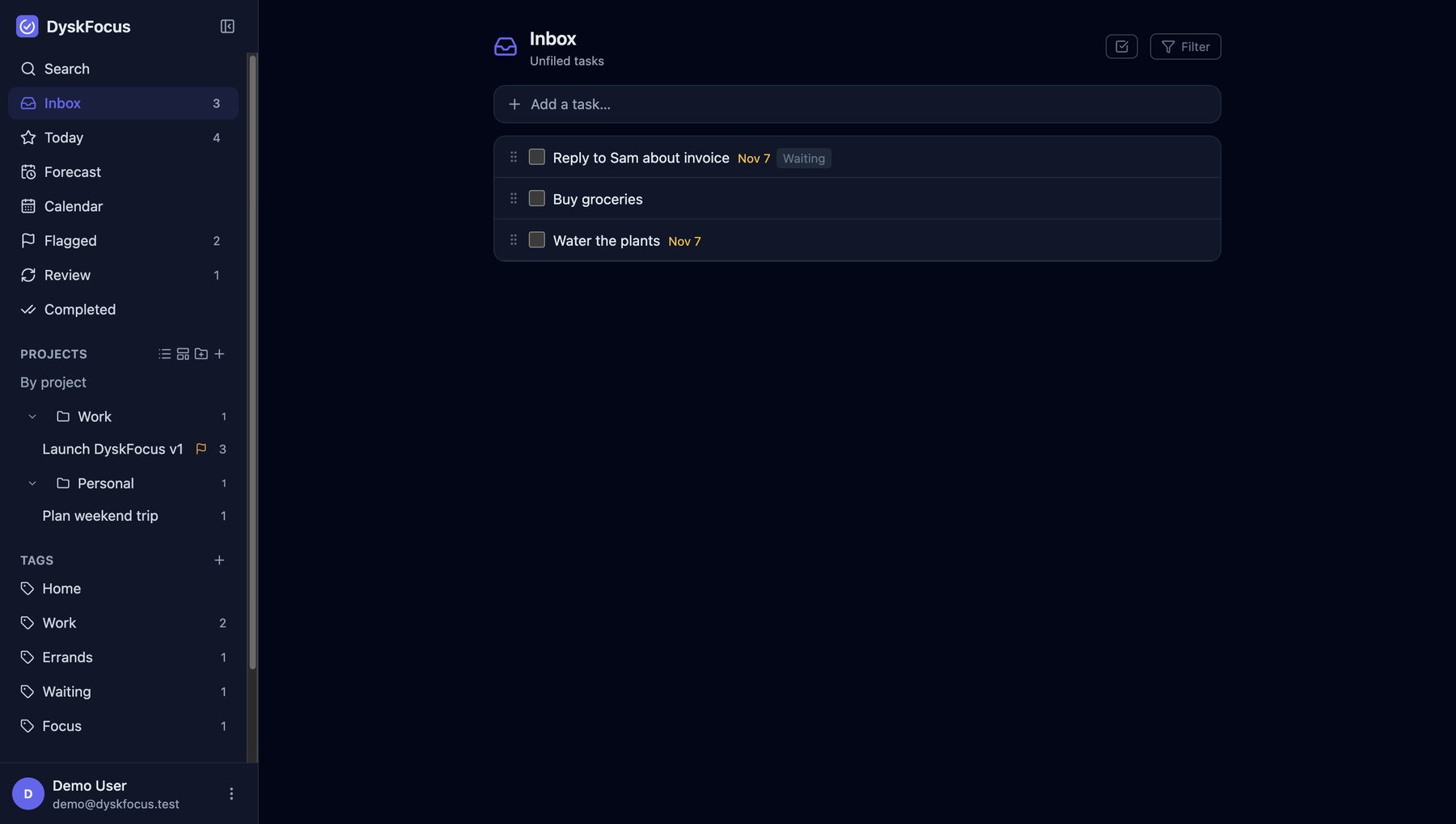
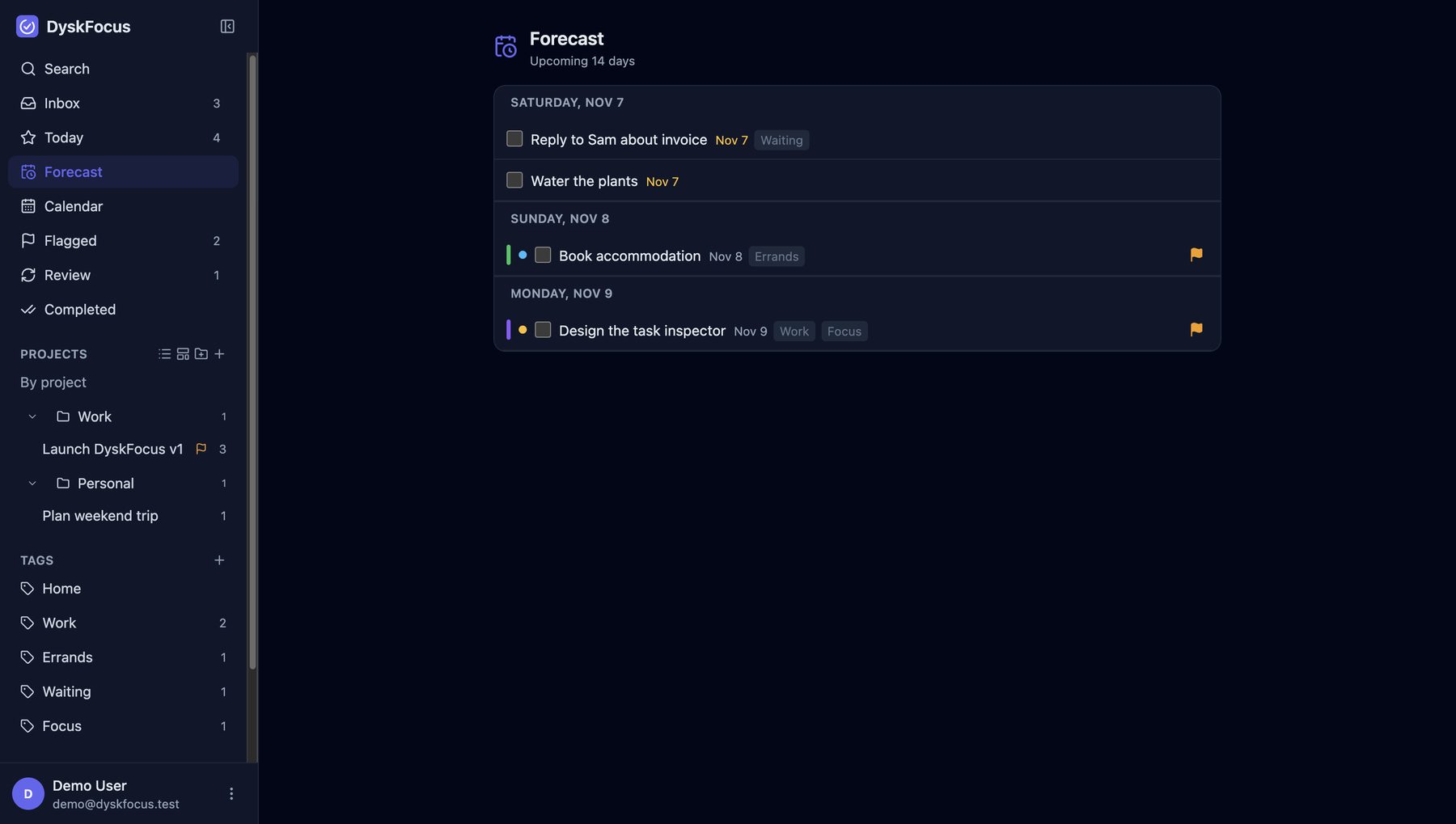
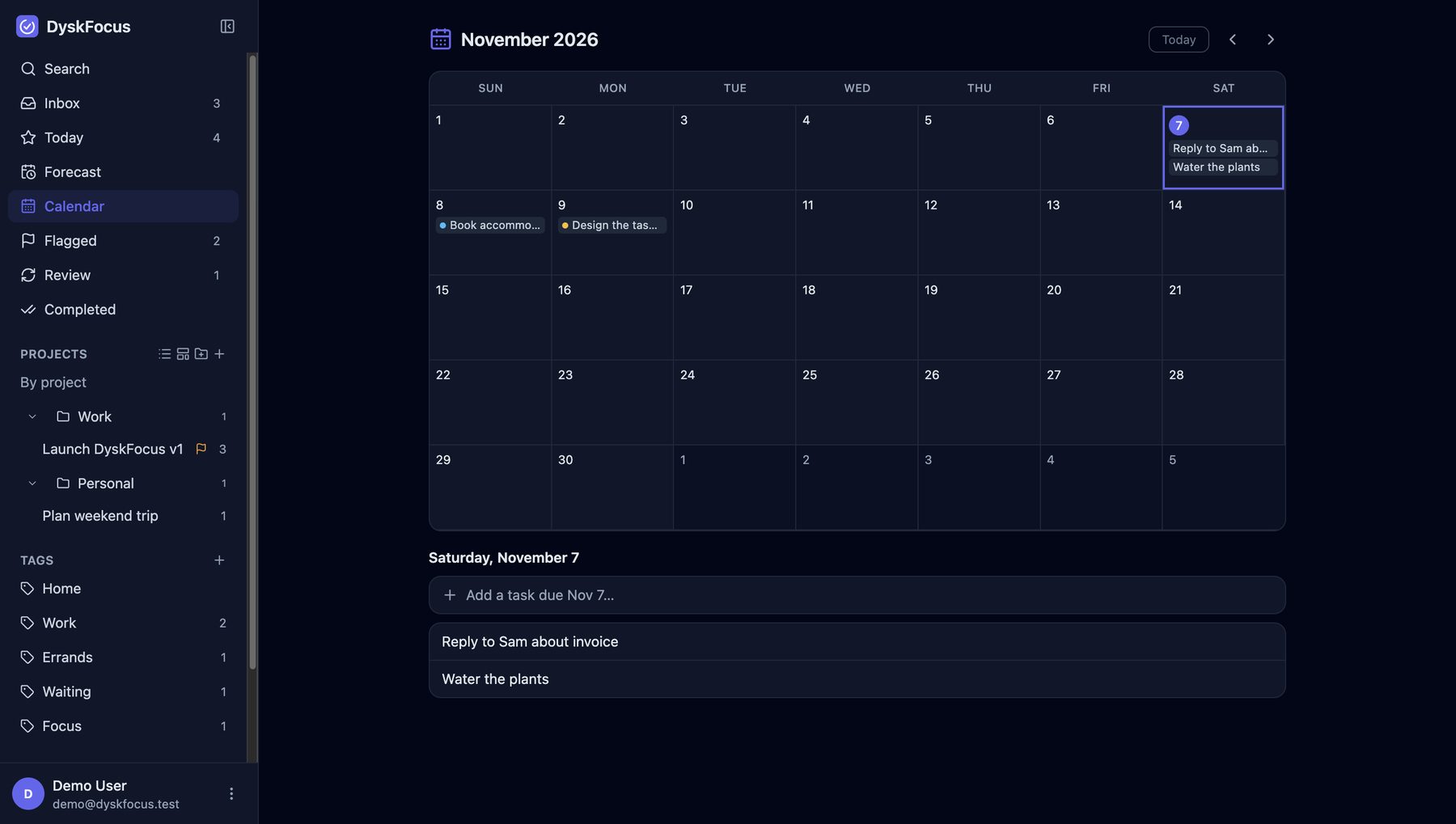
Type one sentence. Priority, tags and dates are picked up for you.
Pay rent !high #home tomorrowSave your favourite filters as perspectives, then go through projects one by one in Review mode.
Defer and due dates, flags, priorities, task colours and recurring tasks.
Nested as deep as you need, reordered by dragging.
Full notes and comments on every task.
Changes show up in your other tabs right away, and reminders reach your phone or desktop (self-hosted version).
In syncBulk actions, swipe gestures and a bottom sheet on small screens.
Back up and restore with JSON, with a setup wizard on first launch.
Host it on your own server. Laravel serves the React app over an API on the same domain.
Install it from the browser to your phone or desktop home screen, with web push reminders.
One .app that brings its own PHP and SQLite. No server needed at all.
Web · Windows, Linux, phones
git clone https://github.com/DyskLab/dyskfocus.git
cd dyskfocus && cp .env.example .env
composer install && npm install
npm run build && php artisan key:generate
Open the app and a wizard creates the database and your account, and can import a backup. After that, DyskFocus opens in a browser on any device and installs as a PWA.
View on GitHub ↗ (new tab)Easiest
Download the DMG from the latest release and drag DyskFocus into Applications. The app isn't notarized yet, so allow it in Privacy & Security › Open Anyway, or run:
xattr -dr com.apple.quarantine /Applications/DyskFocus.appLaravel · React 19 · TypeScript · TanStack Query · Zustand · dnd-kit · Tailwind · SQLite · Electron · MIT License
Privacy
The self-hosted version keeps everything in a SQLite file on your server (database/database.sqlite). The Mac app keeps it in ~/Library/Application Support/DyskFocus.
Your account is created on your own instance, not on a service of ours. DyskLab never sees your tasks, account or password.
No tracking scripts, and no third-party fonts or CDNs. The app only loads files from your own domain.
Its bundled PHP server only listens on 127.0.0.1, and there is no automatic update check. It works without internet.
If you turn on push reminders, your server sends an encrypted notification (with the task title) through your browser vendor's push service, such as Google, Mozilla or Apple. Optional, and off in the Mac app.
Use HTTPS and keep your server patched. A JSON backup holds all your data unencrypted, so store it with care.
You can check all of this in the source code.
Yes, on the web. Host the self-hosted version on any server, then open it in a browser on Windows, Linux, macOS or your phone, and install it as a PWA if you like. The native app is macOS only.
Yes. Open your instance in your phone's browser and add it to the home screen as a PWA. It has swipe gestures, bulk actions and a bottom sheet, and web push reminders can reach your phone.
The official release is Apple Silicon only. On an Intel Mac you can build it yourself with an x86_64 static PHP and npm run dist:x64; see desktop.md. Or use the web version.
The app isn't notarized by Apple yet, so macOS blocks the first launch. Open System Settings › Privacy & Security and choose Open Anyway, or run xattr -dr com.apple.quarantine /Applications/DyskFocus.app.
PHP 8.4 (with openssl, mbstring, bcmath, curl), Composer 2, Node 20+ with npm, and SQLite. Push reminders also need VAPID keys and a cron entry for php artisan schedule:run.
Yes. DyskFocus is open source under the MIT license, with no ads, no subscription and no paid tier.
Go to Settings › Data › Export backup to download everything as JSON. Restore it with Import backup or in the first-run wizard. Importing replaces all current data.
If you used Stackr on your Mac, your data is copied over the first time you open DyskFocus, and the old copy stays where it was.
Yes, on the self-hosted version. Sign-up closes after the first account is created. Set ALLOW_REGISTRATION=true to let other people register on the same instance, each with their own data.
Open an issue on GitHub. Include the version, how you use it (web or Mac), and the steps to reproduce the problem.
No ads, no accounts, no paid tier. If it helps you, these two things help a lot:
Helps other people find the project
Pays for the time behind the next features and fixes
Buy me a coffee (new tab)