2.0macOS · Apple Silicon
Your Mac dev setup, one dashboard.
Manage Homebrew, Docker, Laravel Herd, language versions and config files from one place, with system stats and a real terminal in the browser.
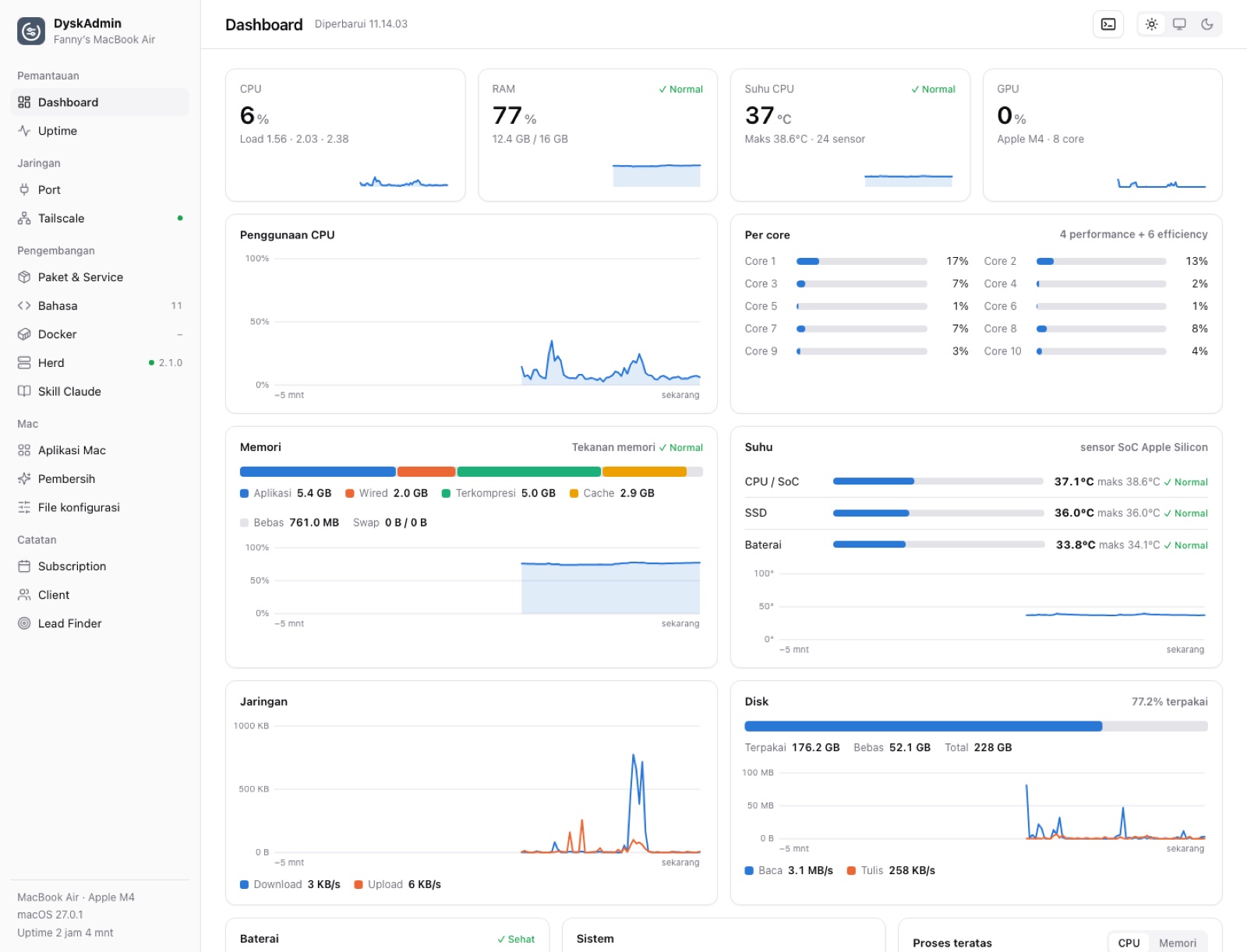
- CPU6%Load 1.56 · 2.03
- RAM77%12.4 GB / 16 GB
- CPU temp37°C24 sensors
- GPU0%Apple M4 · 8 core
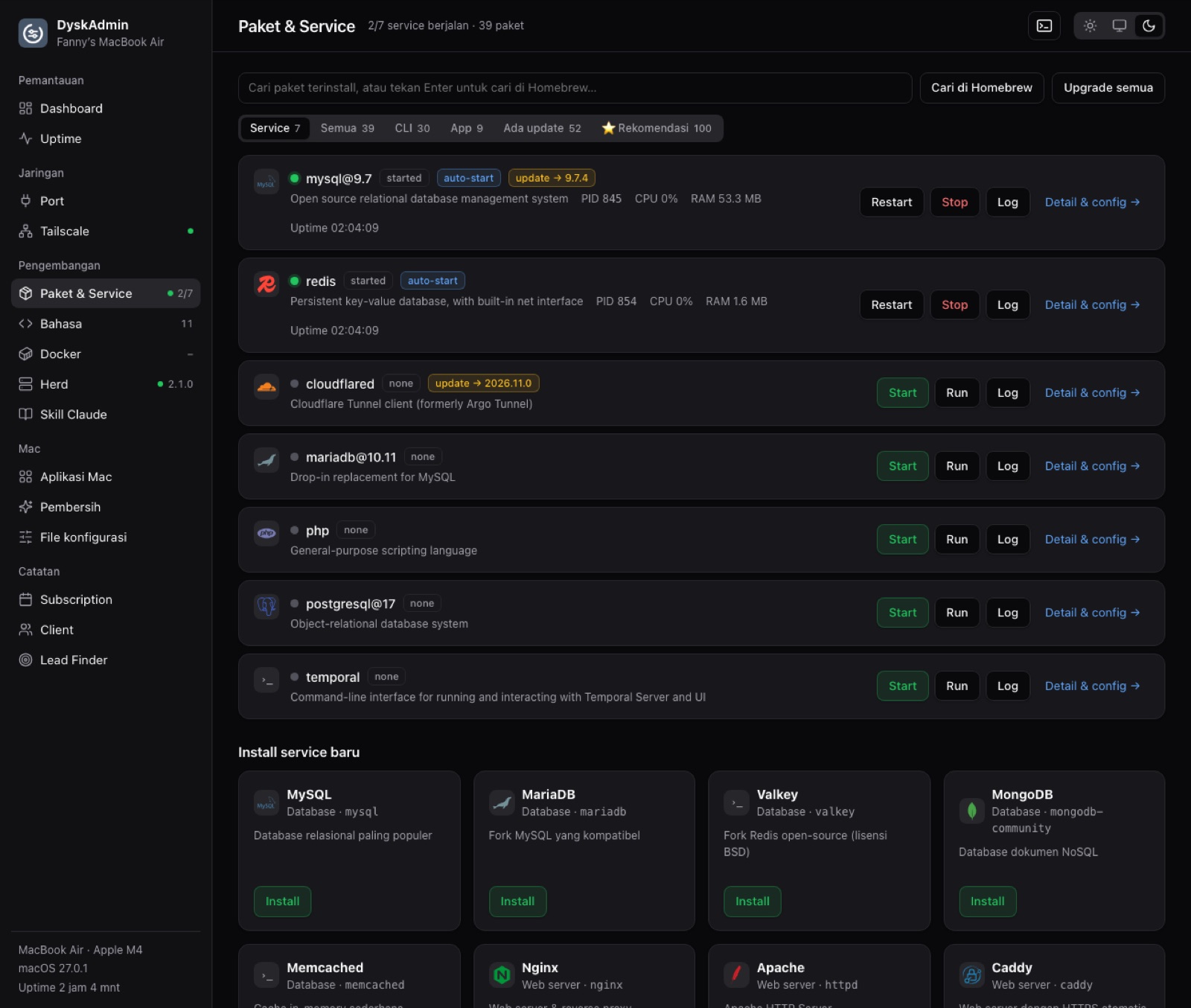
- Homebrew
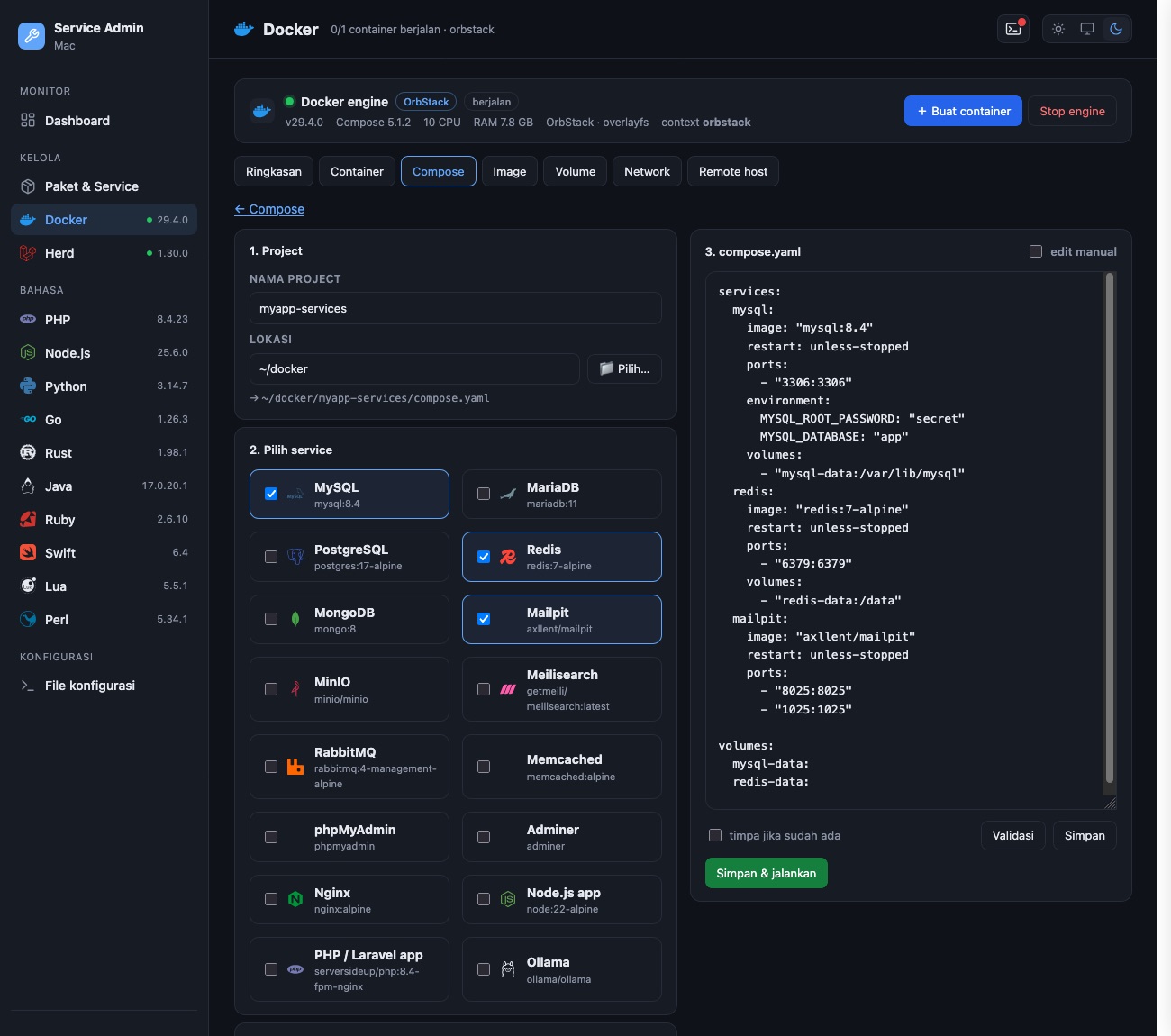
- Docker
- Laravel Herd
- Tailscale
DyskAdmin is used in-house and not released yet.
localhost · Dashboard
Terminal
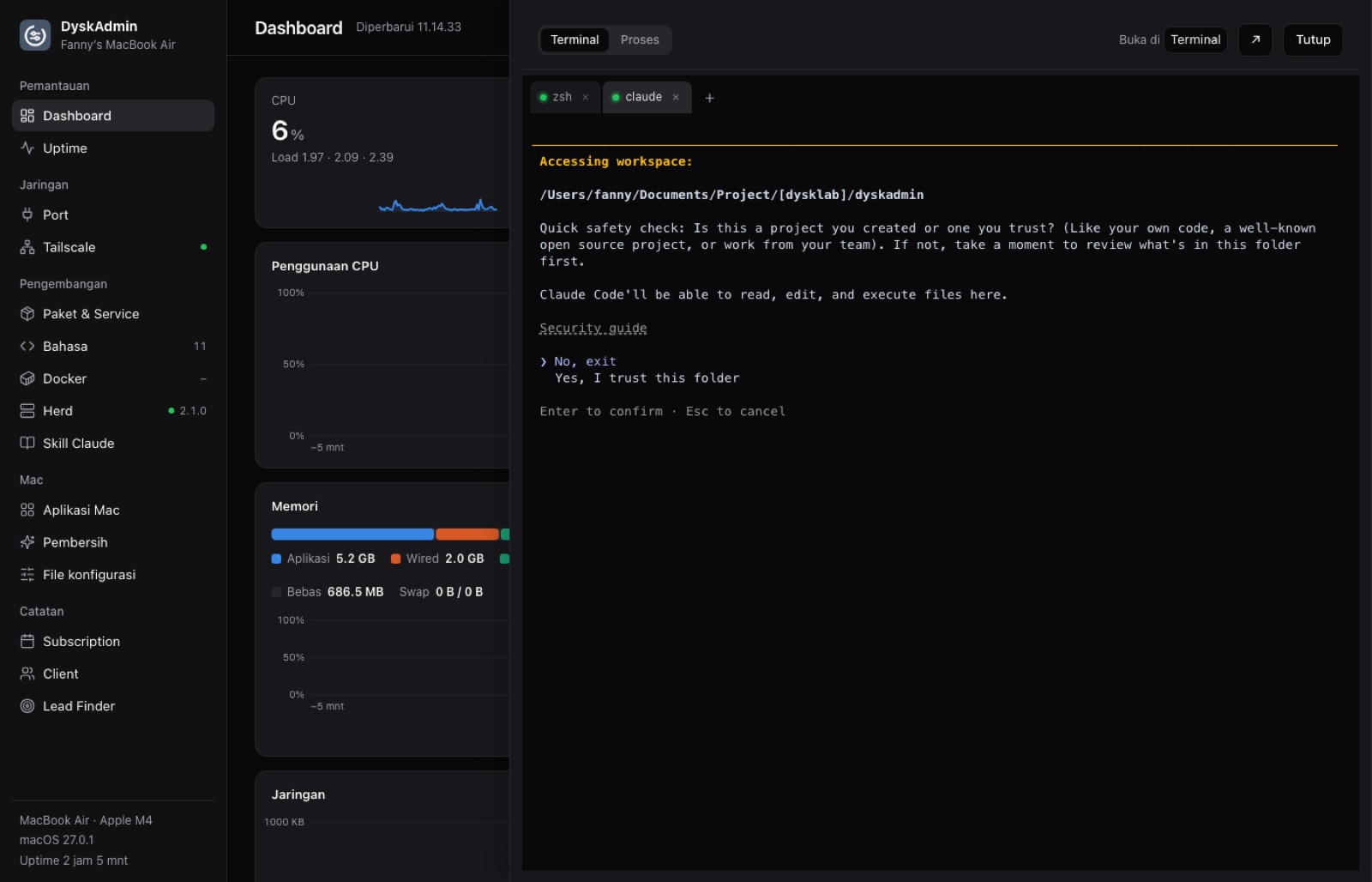
A real terminal, in a browser tab.
A real zsh terminal in the browser. Claude Code, vim and htop run normally, and sessions survive a reload.
zsh · claude
Views
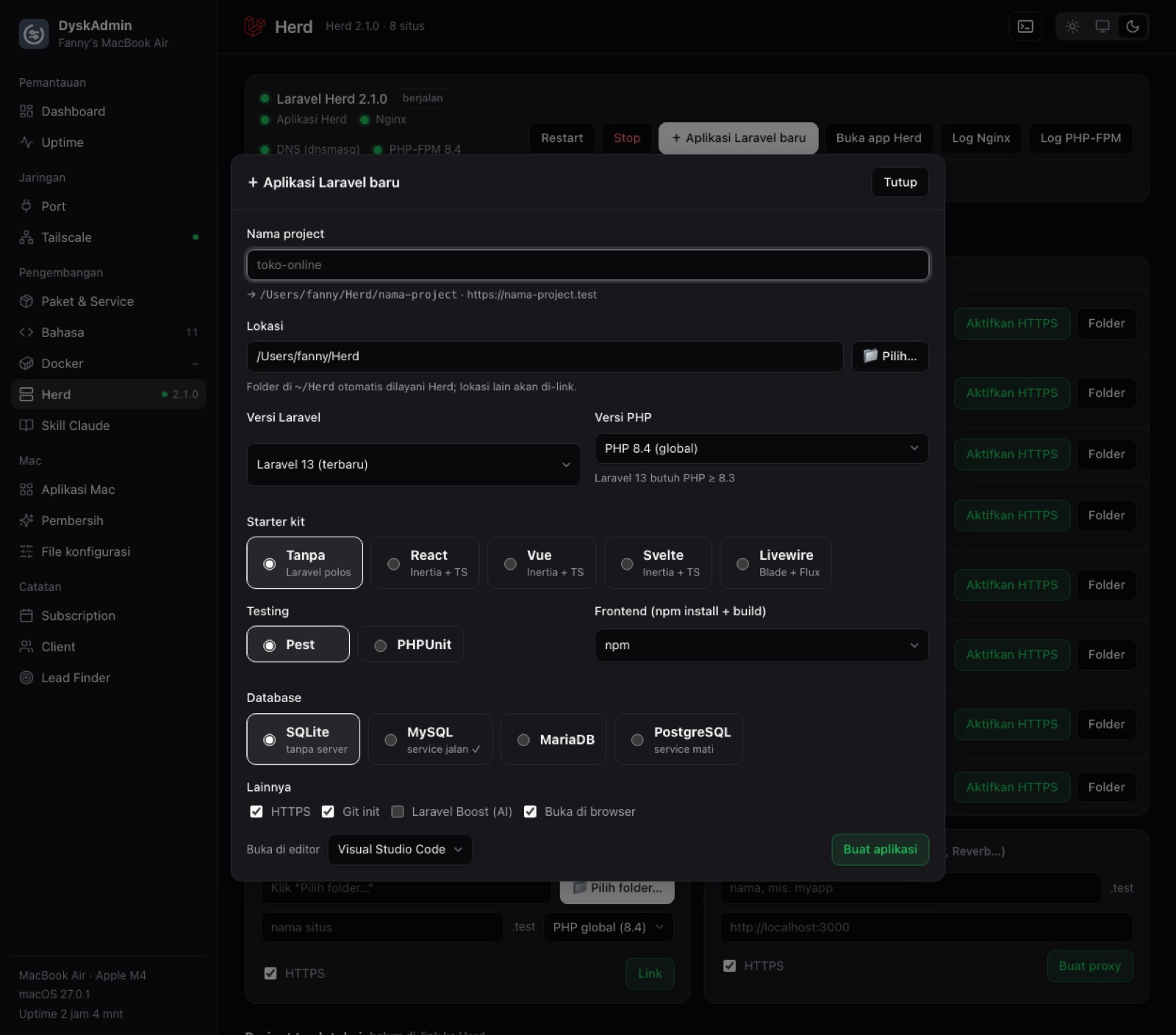
Every dev tool, in one tab.
Homebrew
Docker
Laravel Herd
Features
What's usually spread across many apps.
- Mac statsCPU per core, RAM, memory pressure, temperatures, GPU, battery, network and disk, without sudo.
- Language versionsPick the default PHP, Node.js, Python, Go, Ruby or Java, and install or remove versions.
- Config files.zshrc, /etc/hosts, SSH, Git, php.ini and every project's .env, validated before saving with 20 backups.
- Ports and uptimeListening ports and how to stop them, plus website and server monitoring with macOS notifications.
- Mac apps and TailscaleUpdates, quarantine, privacy permissions, tailnet devices, exit nodes, and Serve and Funnel.
- CleanerApp, log, browser, Trash and developer caches, plus large files and startup items.
Safety
Only reachable from your Mac.
- The server listens on 127.0.0.1 only and refuses any Host but localhost.
- Commands run without a shell on validated input, and only files from a fixed list can be opened.
- One Go binary with no dependencies; every asset ships inside it.