 DyskOS
New · macOS · Web · PWA
All your AI agents,
one dashboard.
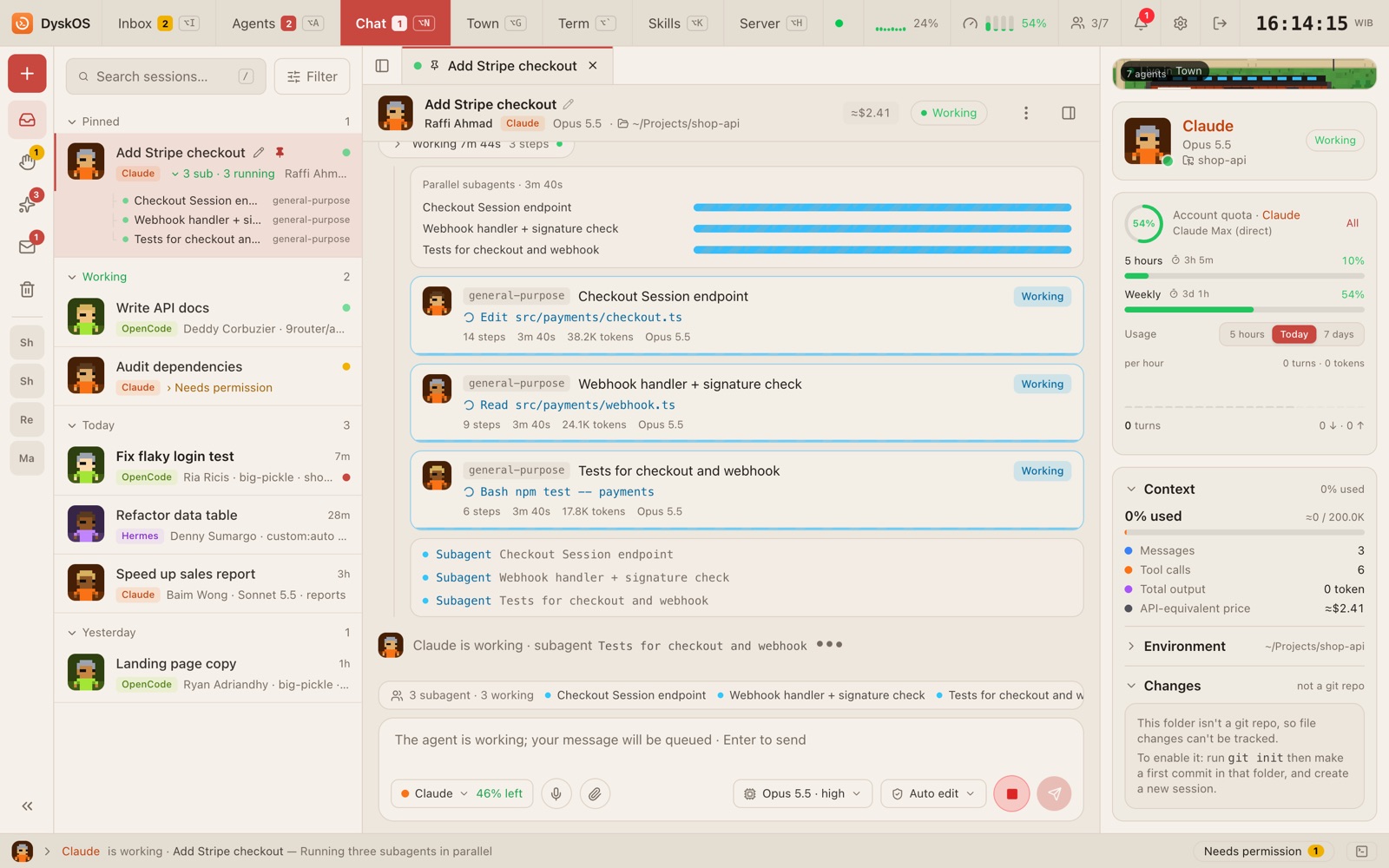
Run Claude Code, Codex, OpenCode and Hermes side by side from your Mac or phone. Watch every step, approve what may run, and hand work to another agent when a quota runs out.
DyskOS is in early development.
- Claude CodeWorking
- CodexWorking
- OpenCodeNeeds permission
- HermesDone
Town
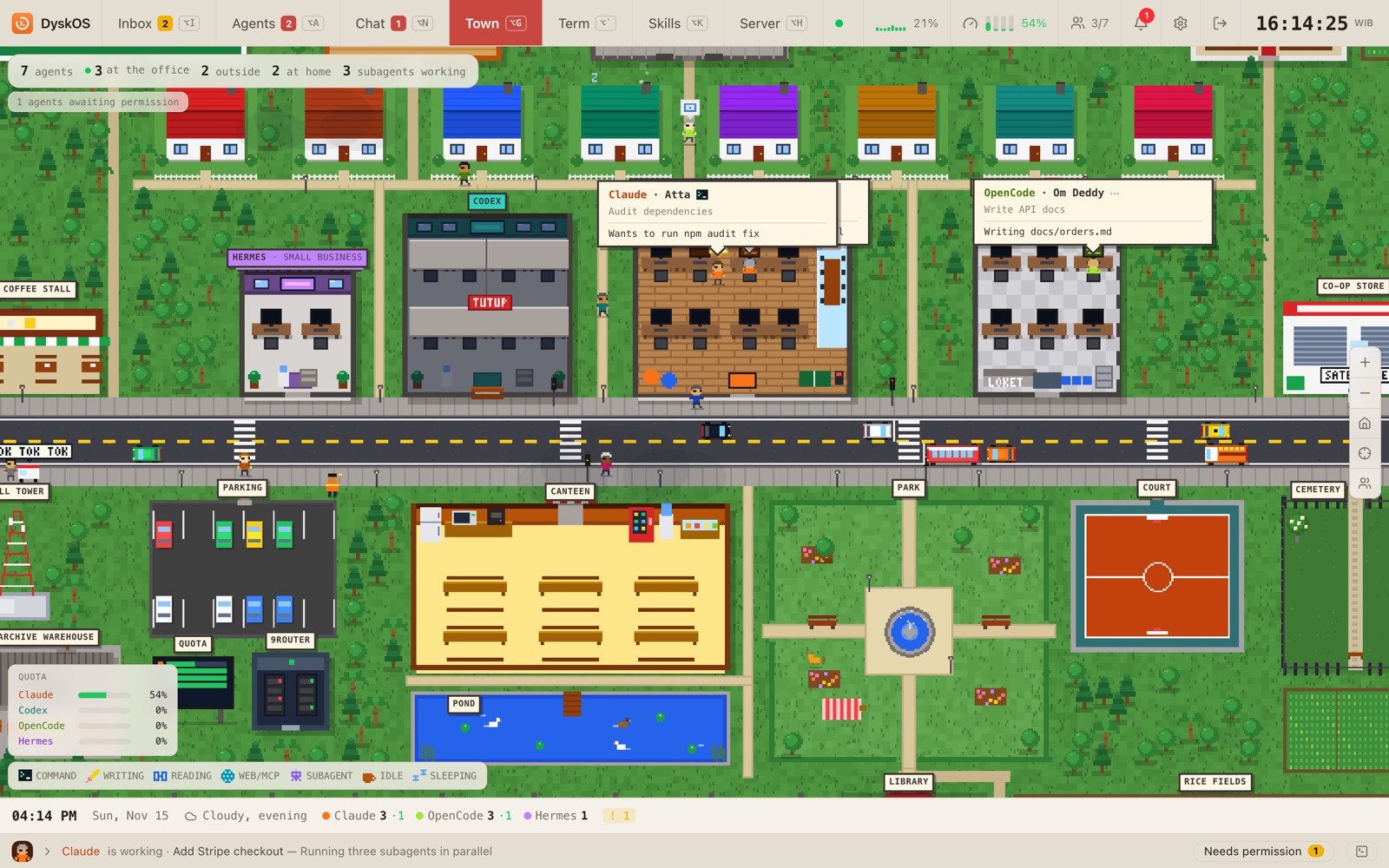
Every session is a townsperson.
A pixel-art town where each session is a character and each agent has an office on the main road. Working ones type at their desks, one that needs permission stands up with a “!”, and idle ones wander to the canteen, park or market.
Views
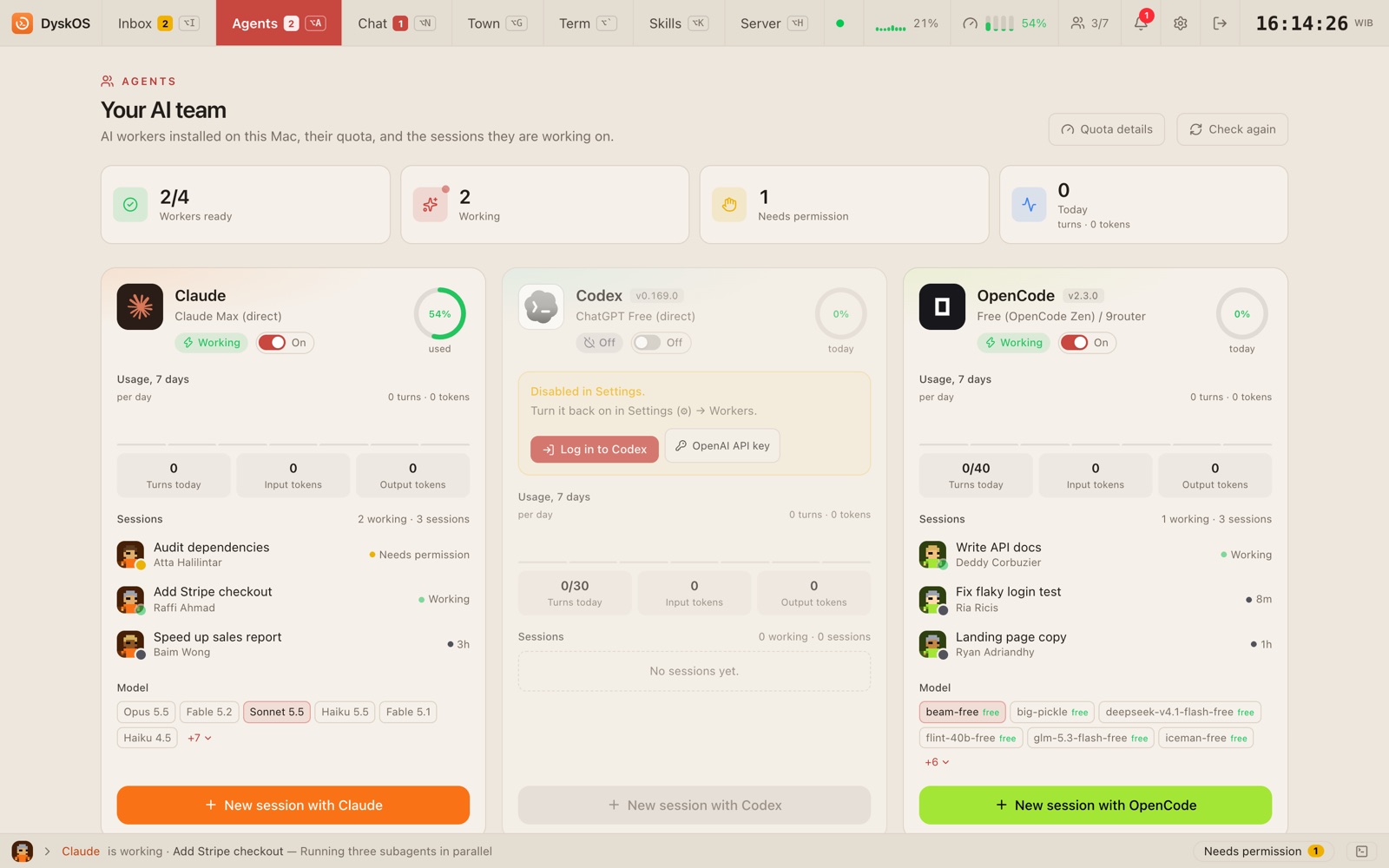
See what your agents are doing.
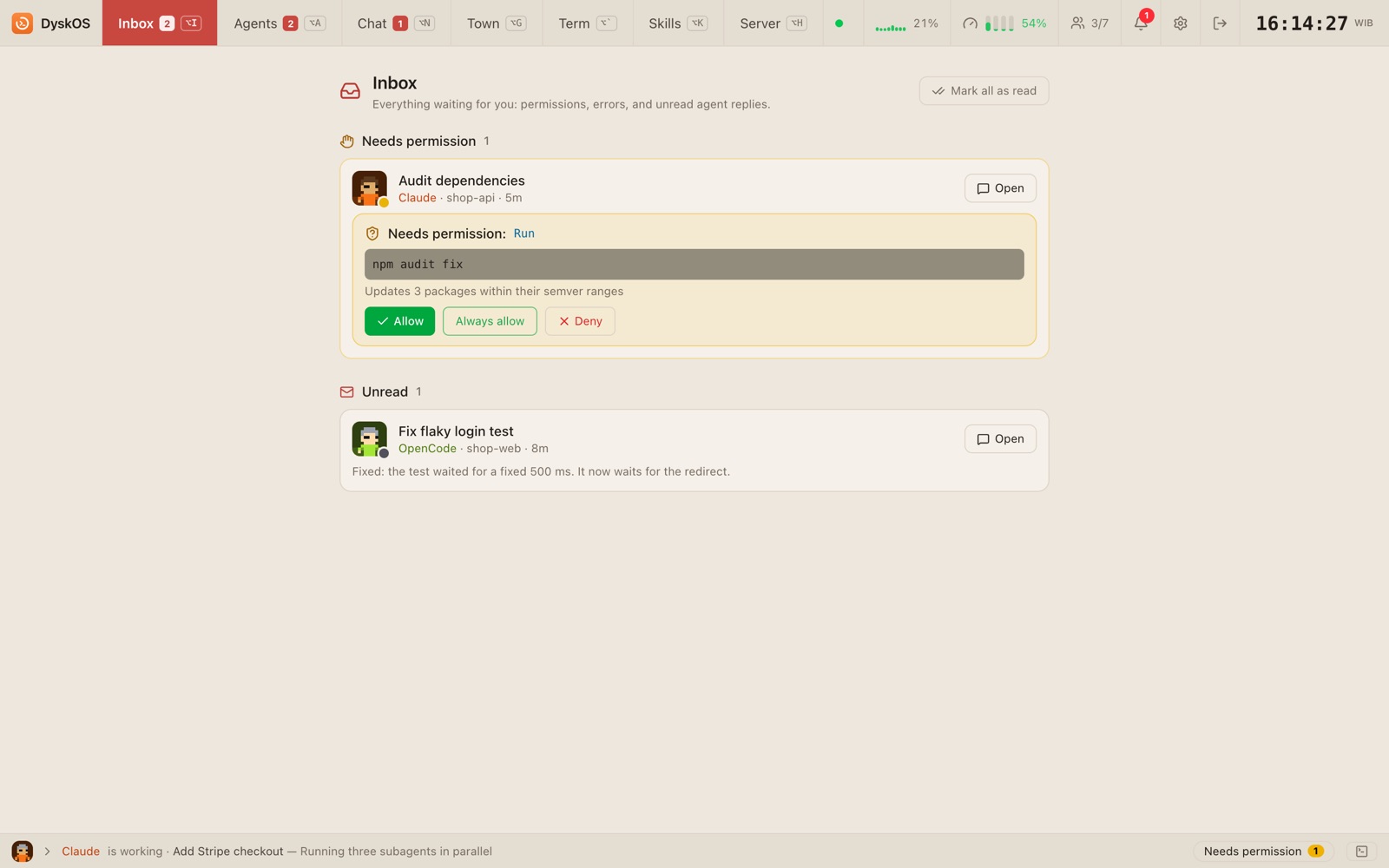
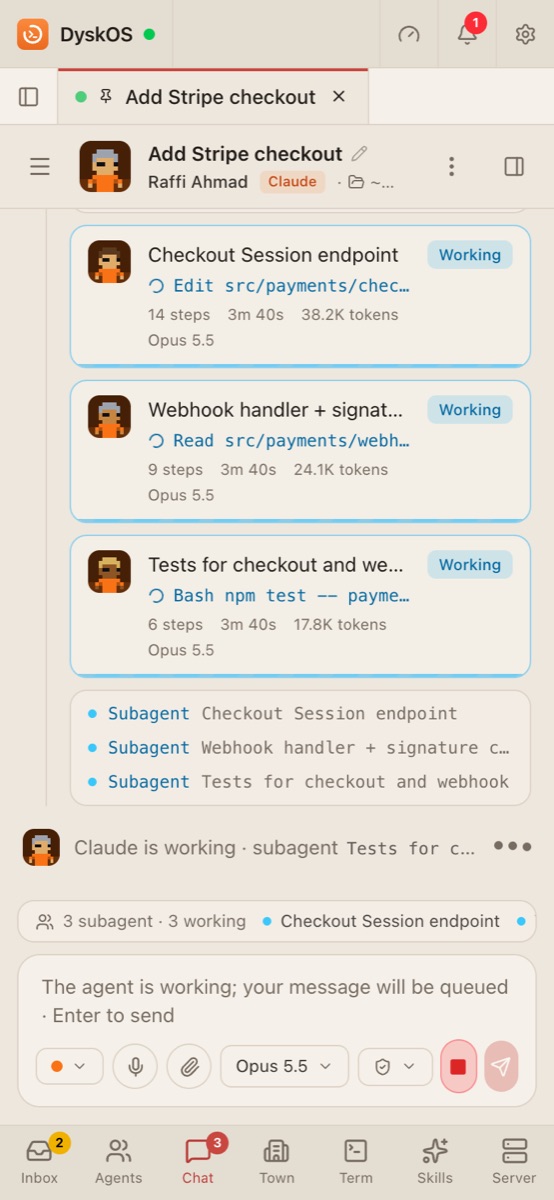
Features
Built for working with many agents.
Four agents, one place
Claude Code, Codex, OpenCode and Hermes run side by side, each with its own session. Any agent can be switched off in Settings.
9router for other models
Gemini, DeepSeek and other providers show up in OpenCode and Hermes through 9router. Models a provider rejects are hidden, and Auto picks one that works.
Token saver
Compress tool output with RTK, shorter answers (Caveman) and minimal code (Ponytail) at Lite, Full or Ultra.
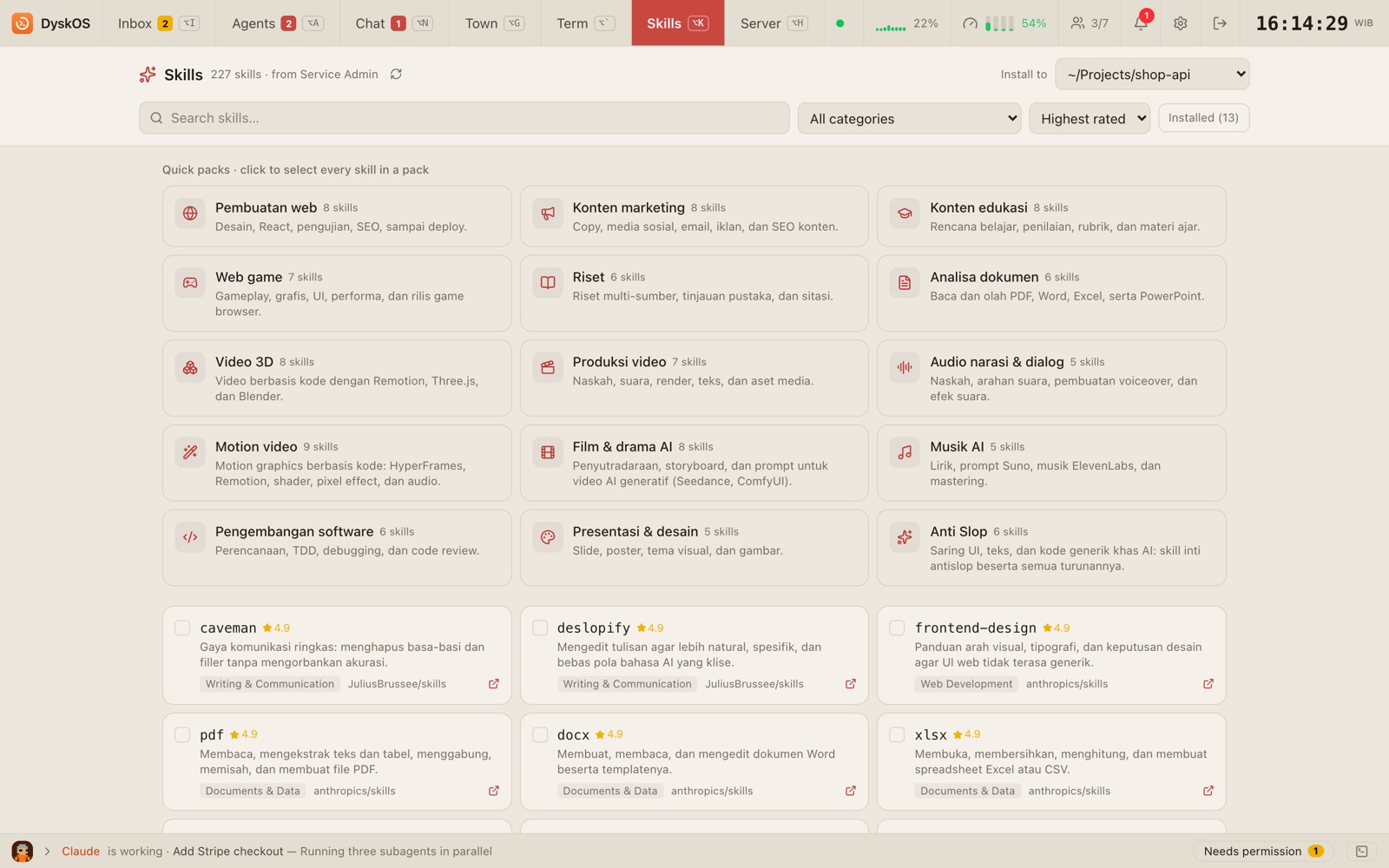
Skills
A catalog of agent skills with quick packs. Pick skills and a project, and DyskOS installs them for Claude Code, OpenCode, Codex and Hermes.
Hand off to another agent
When one agent's quota runs out, the session moves to another with a summary. Suggested or automatic, your choice.
Keeps going with the tab closed
Agents keep working on the Mac. Open it again from a browser or your phone whenever you like.
Git
A session can have its own worktree: see changed files and diffs, revert a file, commit, push and merge back.
Quotas and context
Usage per agent, Claude's 5-hour and 7-day limits, and how full the context window is.
Terminal
A real zsh terminal in the browser that keeps running, with Esc, Tab, Ctrl and arrow keys for the phone.
Everything stays on your Mac.
- The server listens on 127.0.0.1 only, never the public internet.
- Phone access goes through Tailscale inside your own tailnet, still behind a PIN.
- It uses the agent logins already on your Mac. There is no DyskOS account.